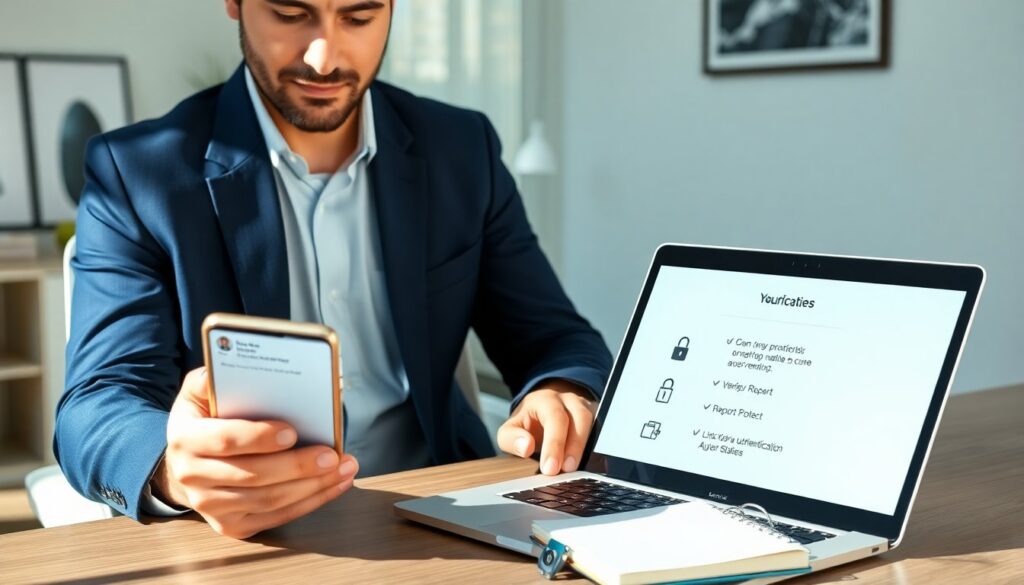
When someone contacted privately on social media, a person gets a direct message that others cannot see. The person feels unsure about intent. The person needs clear steps to assess safety and privacy. This guide explains reasons people contact privately, shows how to check legitimacy, and lists actions to protect accounts and personal data.
Key Takeaways
- Being contacted privately on social media means receiving direct messages that others cannot see, and it’s important to assess their intent carefully.
- Check the sender’s profile and message content closely to identify legitimacy and avoid falling victim to scams or impersonators.
- Protect your privacy by tightening account settings, limiting personal data sharing, and enabling two-factor authentication.
- Respond cautiously: briefly reply to harmless messages but avoid engaging with suspicious ones and report any abuse or threats to the platform or authorities.
- Document suspicious messages by saving screenshots and timestamps to assist with reporting or legal action if necessary.
- Stay informed about common scams and regularly update your security habits to maintain safety when contacted privately on social media.
What “Contacted Privately” Means And Common Reasons People Reach Out
“Contacted privately” means a user sends a direct message, private message, or chat that does not appear in public posts. The sender can be a friend, a brand, an acquaintance, or a stranger. The receiver gets content that ranges from simple greetings to requests for money or personal details.
People contact privately for social reasons. A friend may ask about plans. A colleague may share work details. A follower may give praise or ask a question. These messages often feel normal and harmless.
People also contact privately for transactional reasons. A buyer may ask about a sale. A recruiter may ask for a resume. A service provider may offer help.
Bad actors contact privately for malicious reasons. Scammers may try to phish login details or payment data. Impersonators may pose as a trusted person to get sensitive data. Harassers may send unwanted messages or threats.
Platforms and startups send private messages for verification and updates. These messages sometimes include codes or links. The receiver must confirm the message origin before acting.
A person should treat any unexpected private message with caution. A simple question does not guarantee safety. The context and the sender’s profile give clues. The person should look for patterns such as pressure, urgency, or requests for money or credentials.
How To Assess Legitimacy And Protect Your Privacy
The person should check the sender’s profile first. The person reads the bio, follower counts, and past posts. The person looks for small signs like recent account creation or no posts. These signs often indicate fake accounts.
The person inspects message content next. Legitimate messages usually use clear, specific language and address the person by name. Scams often use vague greetings, urgent tone, or spelling errors. The person stops and questions any request for passwords, payment, or multi-factor codes.
The person validates links before clicking. The person hovers over links on desktop or taps and holds on mobile to preview the link. The person avoids entering credentials after following a link. The person types the site address manually when in doubt.
The person checks for impersonation. The person contacts the alleged sender through a known channel, such as email or a verified account, to confirm. The person uses platform verification features where available. Verified badges help, but absence of a badge does not always mean danger.
The person tightens privacy settings. The person sets messages from non-contacts to a filtered inbox. The person restricts who can send messages or view profiles. The person enables two-factor authentication and uses strong, unique passwords.
The person limits personal data on the profile. The person removes phone numbers, email addresses, and home details that could help social engineers. The person treats direct messages like potential public records and avoids oversharing.
The person documents suspicious messages. The person takes screenshots and saves message timestamps. The person keeps records for reporting and potential legal steps.
Smart Ways To Respond, Report, And Document Private Messages
The person chooses a safe response strategy. If the message is likely harmless, the person replies briefly and avoids personal details. If the message seems suspicious, the person does not reply. Silence stops many scammers.
The person sets boundaries with clear language when dealing with strangers. The person writes short replies such as “I don’t share that” or “Please contact me through my official email.” The person uses neutral language to reduce conflict and avoid giving clues to the sender.
The person reports abuse to the platform when messages threaten safety or ask for money. The person uses the platform’s reporting tools and follows the prompts. The person includes screenshots and dates when prompted.
The person reports criminal threats or fraud to local law enforcement when the message includes extortion, impersonation to commit theft, or clear illegal activity. The person provides the saved screenshots and any transaction records.
The person blocks or mutes persistent offenders. Blocking stops message delivery. Muting hides messages without alerting the sender to a block. The person chooses the option that best protects wellbeing.
The person documents incidents systematically. The person saves screenshots, message headers, timestamps, and sender profile links. The person stores these records offline or in a secure cloud folder. The person keeps copies until the issue resolves.
The person preserves evidence before deleting messages. Deleting a message may remove trace needed for investigations. The person documents pattern behavior when multiple accounts contact the same person. The person shares this pattern with platform support to speed removal.
The person learns common scam scripts to spot repeats. The person reads platform help centers and security blogs for updates. The person teaches others by sharing simple rules: verify, avoid links, never send credentials, and report abuse.
The person updates security habits regularly. The person checks account activity logs and connected apps monthly. The person revokes access for apps that seem unnecessary. The person treats private messages with care and acts deliberately.